Run Codex with eyes-open permissions.
Codeman is a thin launcher around codex that makes sandbox and approval selection explicit, fast,
and harder to get wrong.
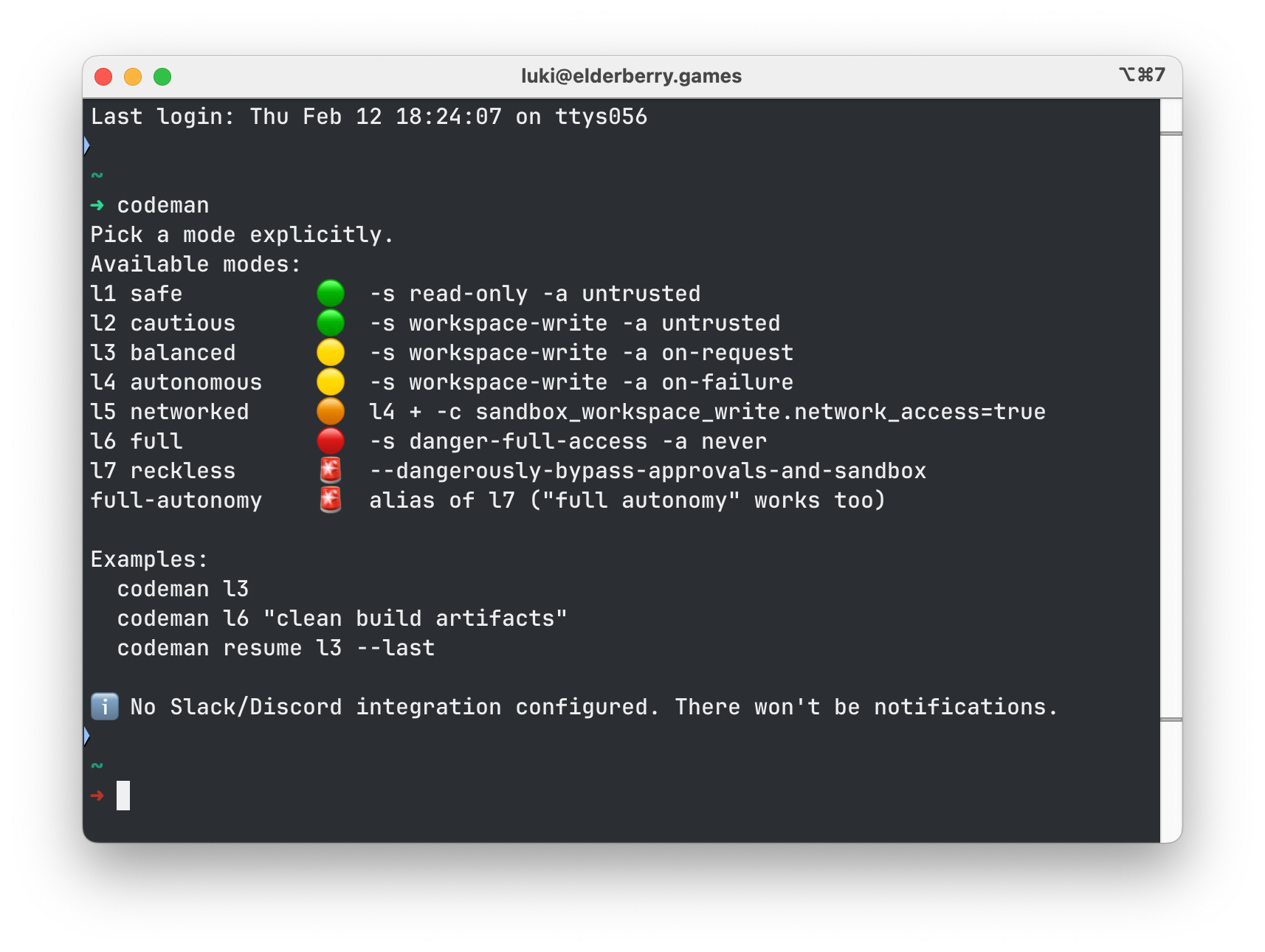
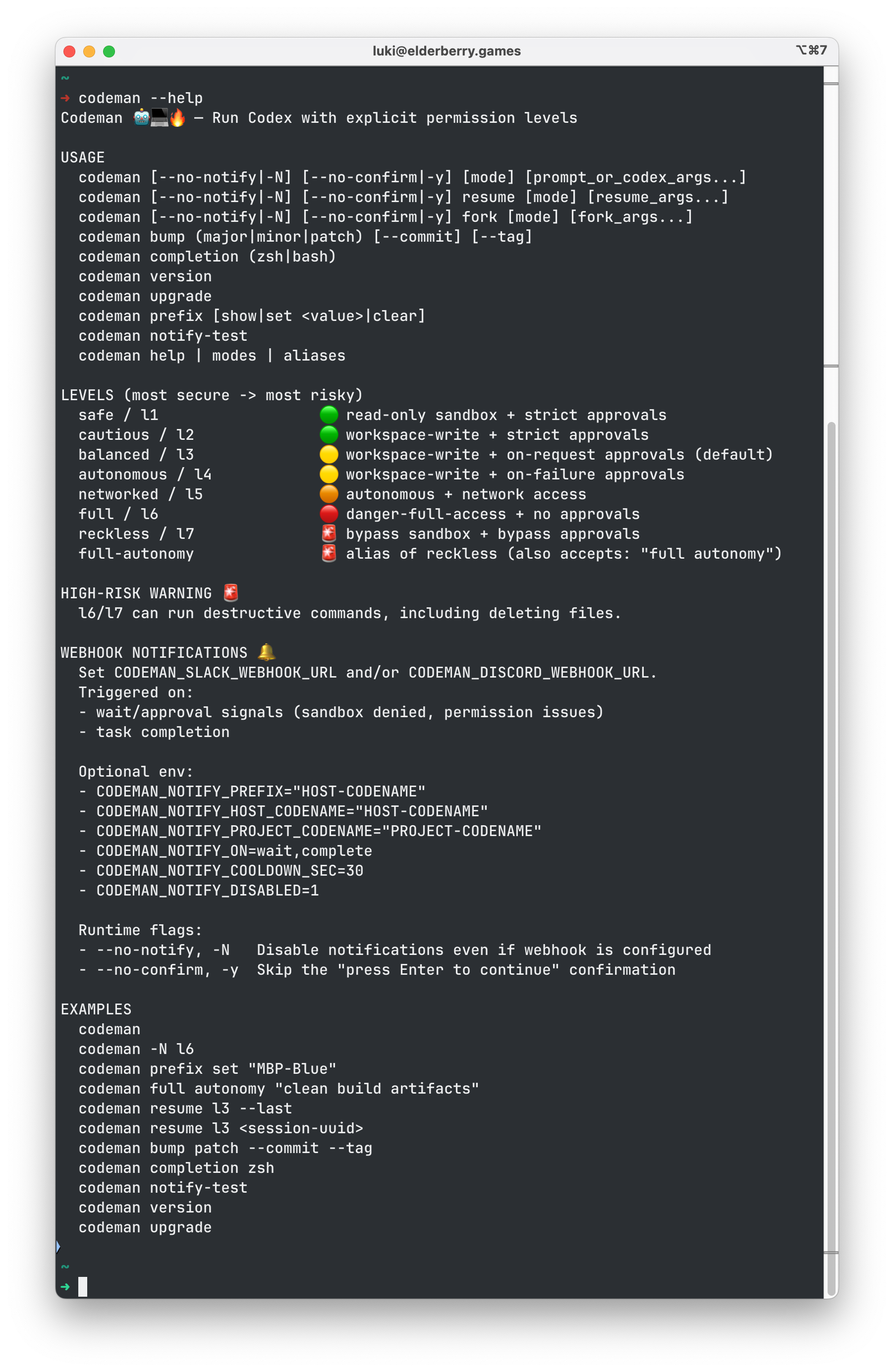
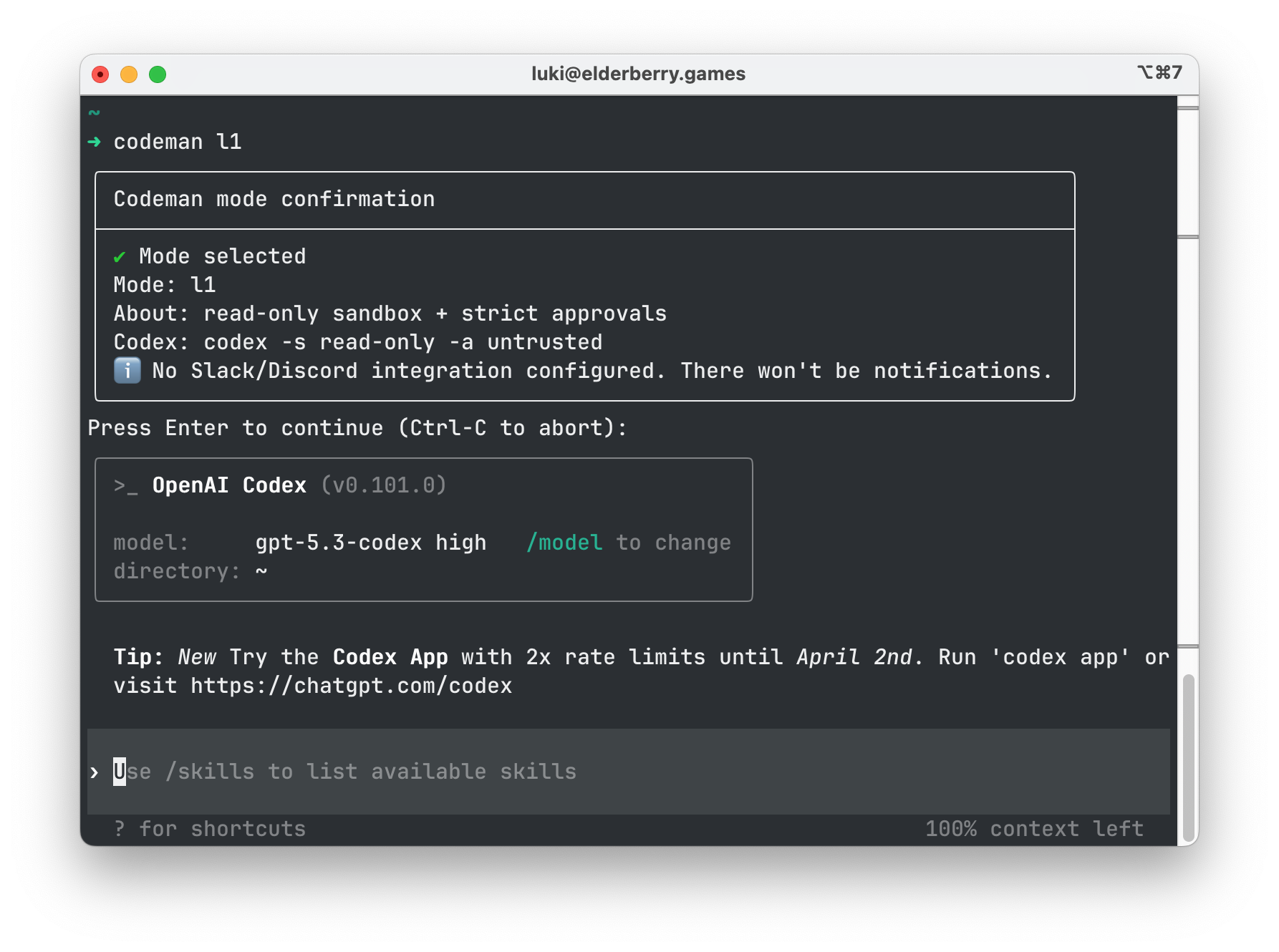
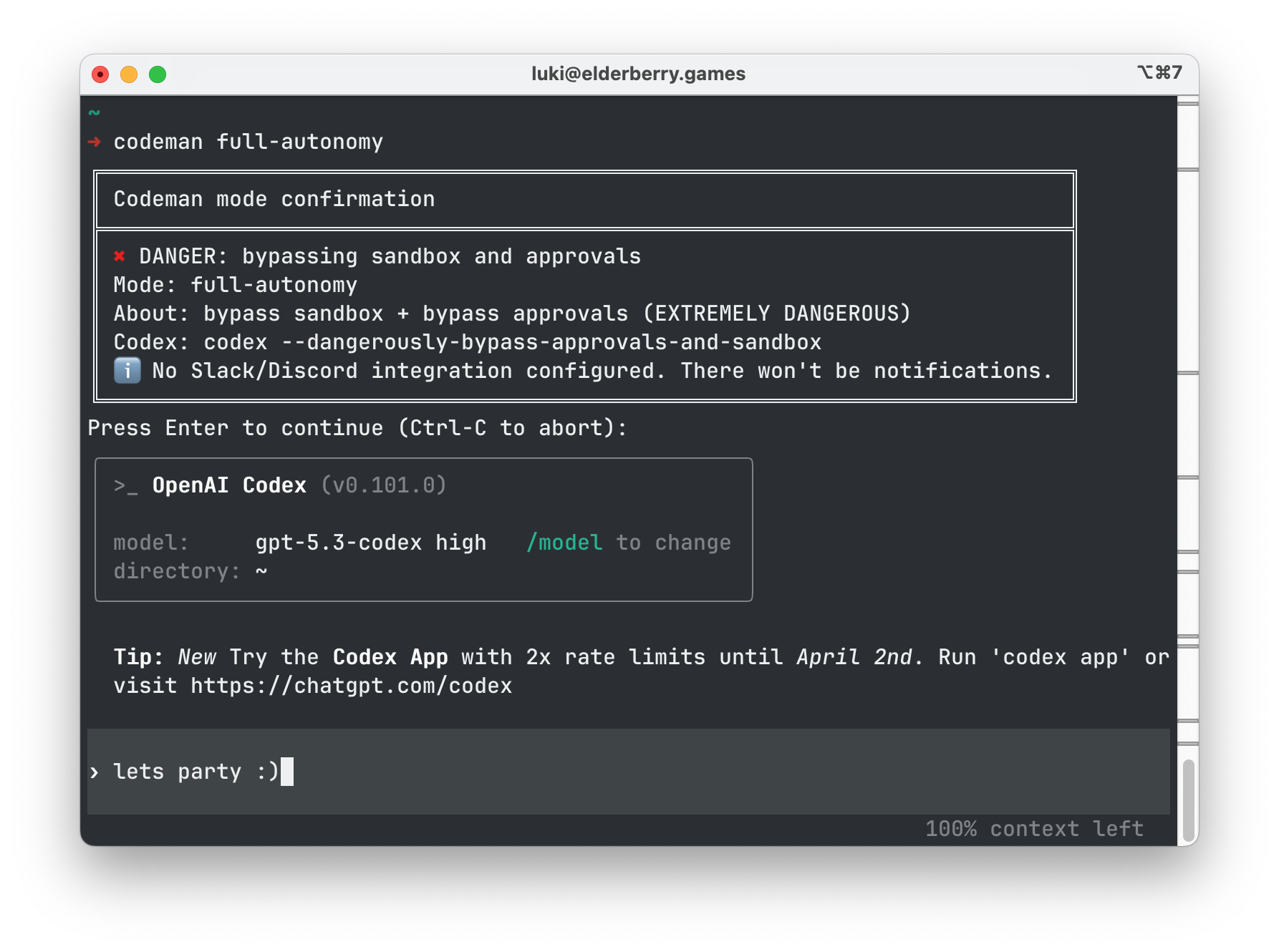
Click any screenshot to zoom. Use -y to skip confirmations.
Quick start
Install once, then pick a mode explicitly every time.
Remote install
Recommended when you just want it working.
curl -fsSL https://raw.githubusercontent.com/shabo/codeman/main/install.sh | bash -s -- --repo https://github.com/shabo/codeman.gitLocal install
From a checkout of this repository.
git clone https://github.com/shabo/codeman.git
cd codeman
./install.sh --local
source ~/.zshrc
Security levels
Low risk to high risk. Emoji and description are separate for fast scanning.
| Level | Name | Risk | Description |
|---|---|---|---|
l1 |
safe |
🟢 | read-only sandbox + strict approvals |
l2 |
cautious |
🟢 | workspace-write + strict approvals |
l3 |
balanced |
🟡 | workspace-write + on-request approvals |
l4 |
autonomous |
🟡 | workspace-write + on-failure approvals |
l5 |
networked |
🟠 | l4 + network access |
l6 |
full |
🔴 | danger-full-access + no approvals |
l7 |
reckless |
🚨 | bypass sandbox + bypass approvals |
l6/l7 can run destructive commands, including file deletions.
Usage
Codeman is intentionally blunt. You either pick a mode or you don’t run.
No args
Prints the mode list and the current notification status.
codemanExplicit mode
Shows a confirmation panel, then asks you to press Enter (TTY-only).
codeman l3
codeman -y l3 "skip confirmation"
Resume by session UUID
If you have a UUID (from Codex sessions), you can resume it directly.
codeman resume l3 <session-uuid>Slack/Discord notifications
Baby steps. It either works or it tells you exactly why it doesn’t.
Create a webhook URL
Slack: Incoming Webhook. Discord: channel webhook.
Export it in your shell
export CODEMAN_DISCORD_WEBHOOK_URL='https://discord.com/api/webhooks/...'
export CODEMAN_SLACK_WEBHOOK_URL='https://hooks.slack.com/services/...'Persist it
Put the exports into ~/.zshrc (or ~/.bashrc), then reload.
source ~/.zshrcTest
codeman notify-test
If you see ℹ️ No Slack/Discord integration configured, the env var isn’t set in this shell.
Shell completion
Generate the completion script and source it.
zsh
codeman completion zsh > ~/.codeman-completion.zsh
echo 'source ~/.codeman-completion.zsh' >> ~/.zshrc
source ~/.zshrc
bash
codeman completion bash > ~/.codeman-completion.bash
echo 'source ~/.codeman-completion.bash' >> ~/.bashrc
source ~/.bashrc
Releases
Bump VERSION in your PR. Merge to main. CI passes. Tag + GitHub Release are created.
Bump version
codeman bump patch
codeman bump patch --commit --tag
The GitHub Action will create a release for vX.Y.Z only if that tag does not already exist.
 Codeman
codeman.elderberry.games.